You can easily install Amazon’s Kindle Cloud Reader as a standalone web application on Fedora Linux using the Epiphany (GNOME Web) browser via GNOME Software.
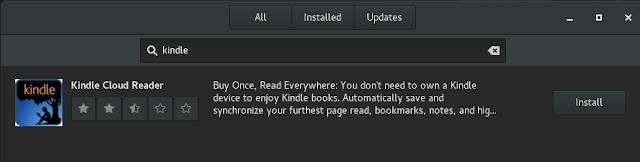
However, this comes with one major hurdle: the default offline storage quota for web databases is a measly 6 MB, which you will exhaust almost immediately.

webkitgtk3 used to offer an API called webkit_get_default_web_database_quota, but this was removed from the newer webkitgtk4 engine that Epiphany relies on.
To manually increase this quota:
Locate the application data folder created by Epiphany for the Kindle web app:
ls -d ~/.local/share/epiphany-kindlecloud*Open the SQLite database located in that directory:
cd ~/.local/share/epiphany-kindlecloud-xxx/databases
sqlite3 Database.db
Inspect the existing quota:
SELECT * FROM origins;
-- https_read.amazon.com_0|6164480
Increase the quota (for example, to ~100 MB):
UPDATE origins SET quota=102400000 WHERE origin='https_read.amazon.com_0';
.exit
Relaunch the app, and you can now continue downloading books for offline reading without quota warnings.